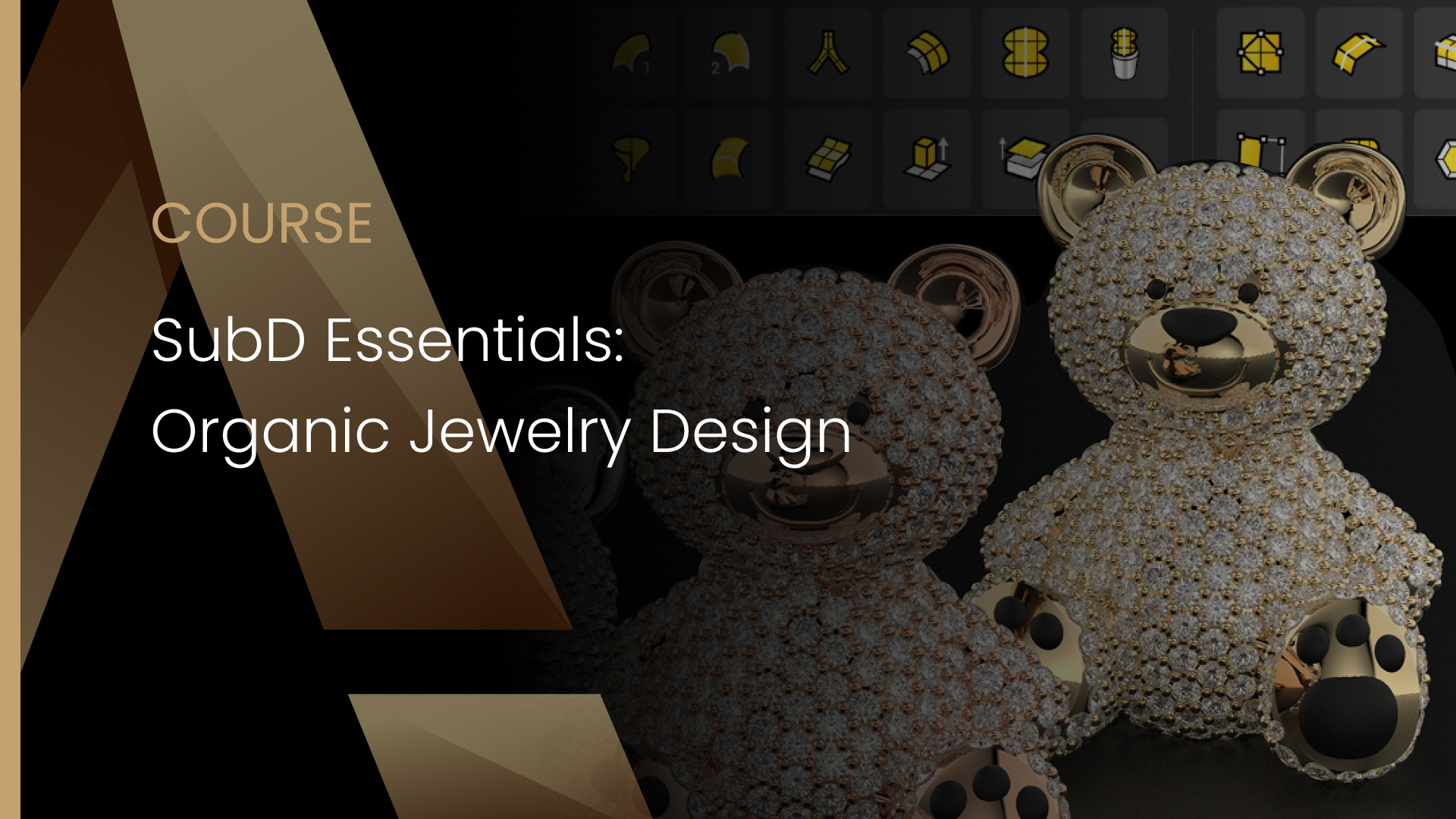
SubD Essentials: Organic Jewelry Design

Categories: Modelling, SubD
Wishlist Share

About Course

In this introductory course, you’ll learn the fundamentals of SubD modeling in Rhino, specifically tailored for jewelry design. Step by step, you will explore how to create and edit organic shapes, understand vertices, edges, and faces, and manipulate surfaces to achieve smooth, flowing forms. By the end of the course, you will be able to model stunning jewelry pieces, including a turtle pendant with diamonds and a pave teddy bear, ready for rendering or production.

What Will You Learn?

  • Understand the basics of SubD (Subdivision Surfaces) in Rhino.
  • Differentiate between NURBS, Mesh, and SubD for jewelry design.
  • Create and manipulate SubD primitives (cube, sphere, cylinder, tube).
  • Edit geometry using vertices, edges, and faces.
  • Use Gumball and essential SubD editing tools for smooth organic shapes.
  • Maintain clean topology for efficient modeling.
  • Convert SubD models to NURBS for production or rendering.
  • Apply learned skills to create jewelry pieces like rings, pendants, and figurative designs.

Course Content

SubD Fundamentals
Understand what SubD is, its differences with NURBS and Mesh, and learn basic creation and manipulation of SubD objects.

  • Introduction to SubD
  • SubD Interface
  • Preparing Reference Images
  • SubD Blocking with Primitives
  • First Contact with SubD Editing

SubD Editing and Control
Learn how to refine and manipulate SubD geometry.

SubD Topology and Workflow
Learn best practices for topology and maintaining clean geometry.

Turtle Pavé Pendant
We’ll walk you step by step through the process of modeling a stylized turtle pendant using SubD tools in RhinoArtisan. You’ll learn how to sculpt the turtle’s body with organic elegance, refine the shell’s structure, and prepare the surface for pavé-set diamonds with precise prong placement — all using a streamlined, production-ready workflow.

Pavé Teddy Bear
Learn how to model an adorable SubD teddy bear and prepare it for automatic gem pavé in RhinoArtisan. Follow step-by-step instructions to sculpt organic shapes, work with symmetry, use Boolean operations, and create pavé-ready surfaces — all inside RhinoArtisan. Perfect for jewelers, CAD designers, and 3D artists who want to master organic modeling and professional pavé workflows.

Earn a certificate

Add this certificate to your resume to demonstrate your skills & increase your chances of getting noticed.

selected template

Student Ratings & Reviews

No Review Yet
No Review Yet